Four companions for your moments of music.
Listening, keeping time, tuning and adjusting. You will find each tool at the bottom of the screen, ready to explore at your own pace.

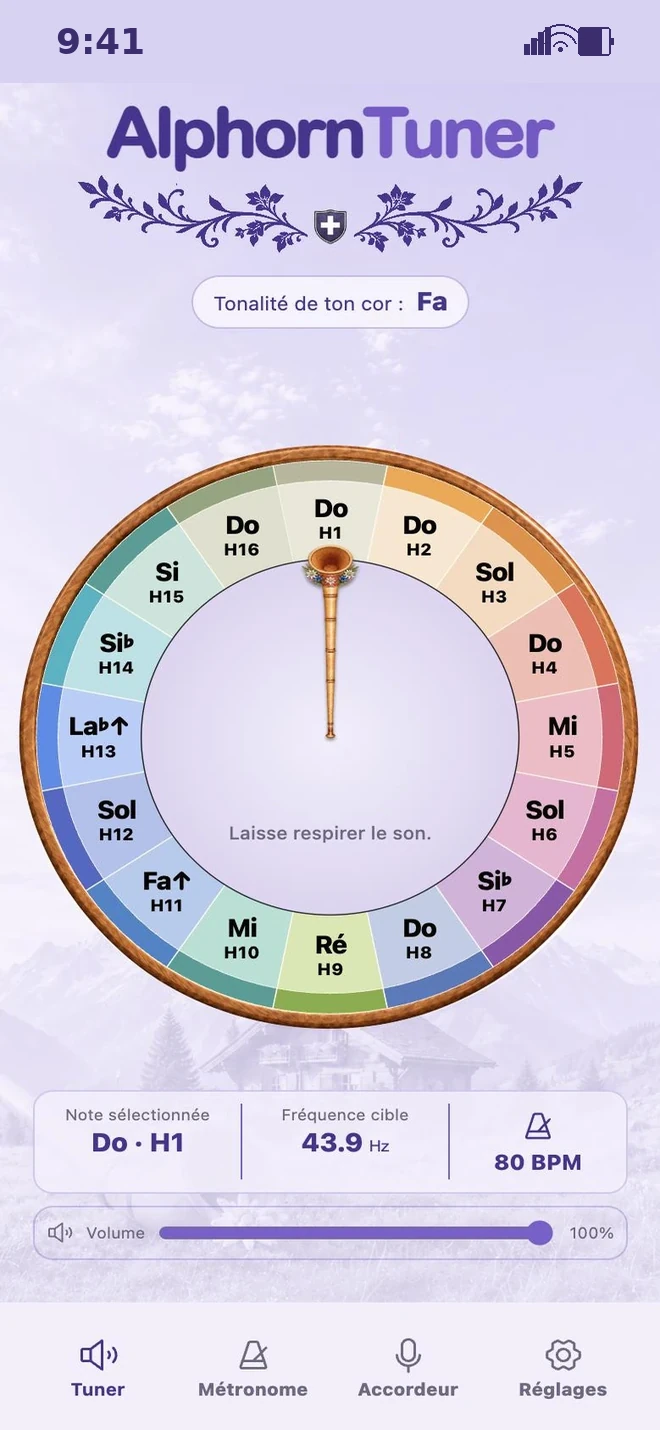
Take the time to listen.
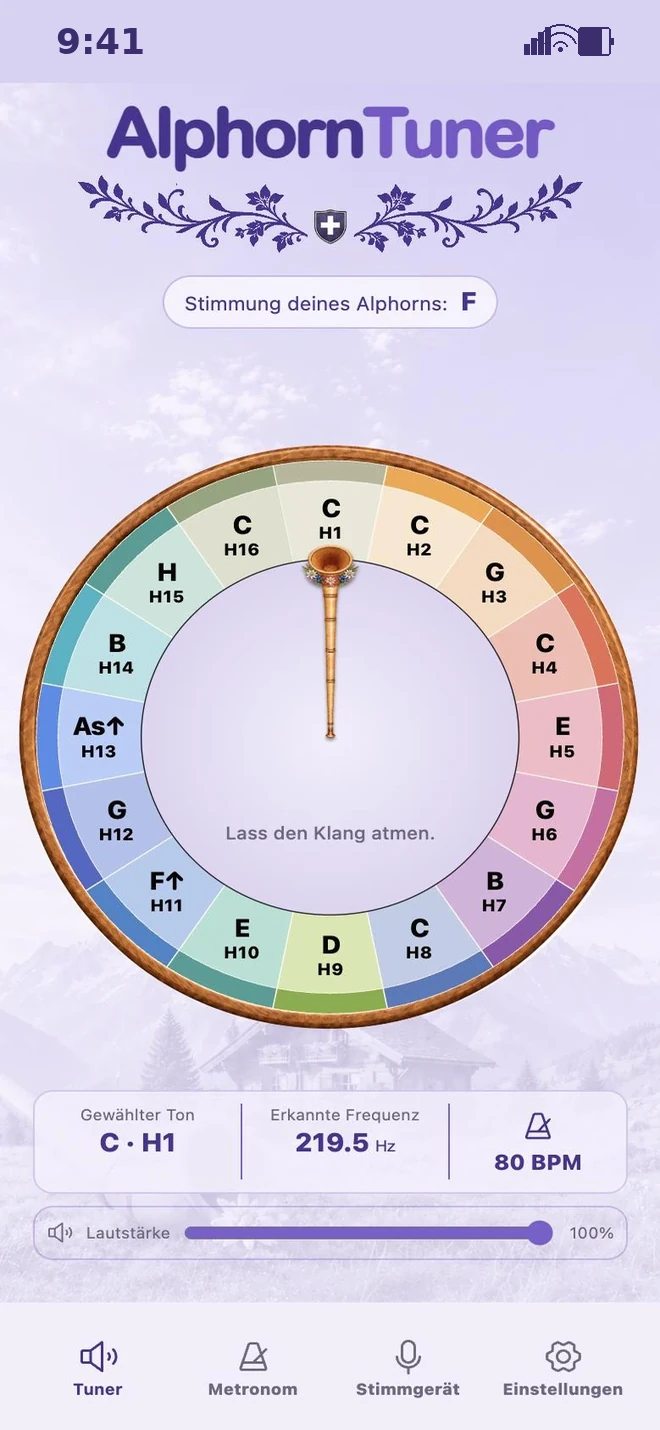
Find the sixteen harmonics on the wheel, from the low H1 to the high H16. Every note carries its name. Touch it to hear a real alphorn.
Keep your finger down to hold the sound. You can slide it off the note: the sound carries on until you let go.
- 16 harmonics
- 32 recorded sounds, in F and in F♯
- Adjustable length, fade and reverb
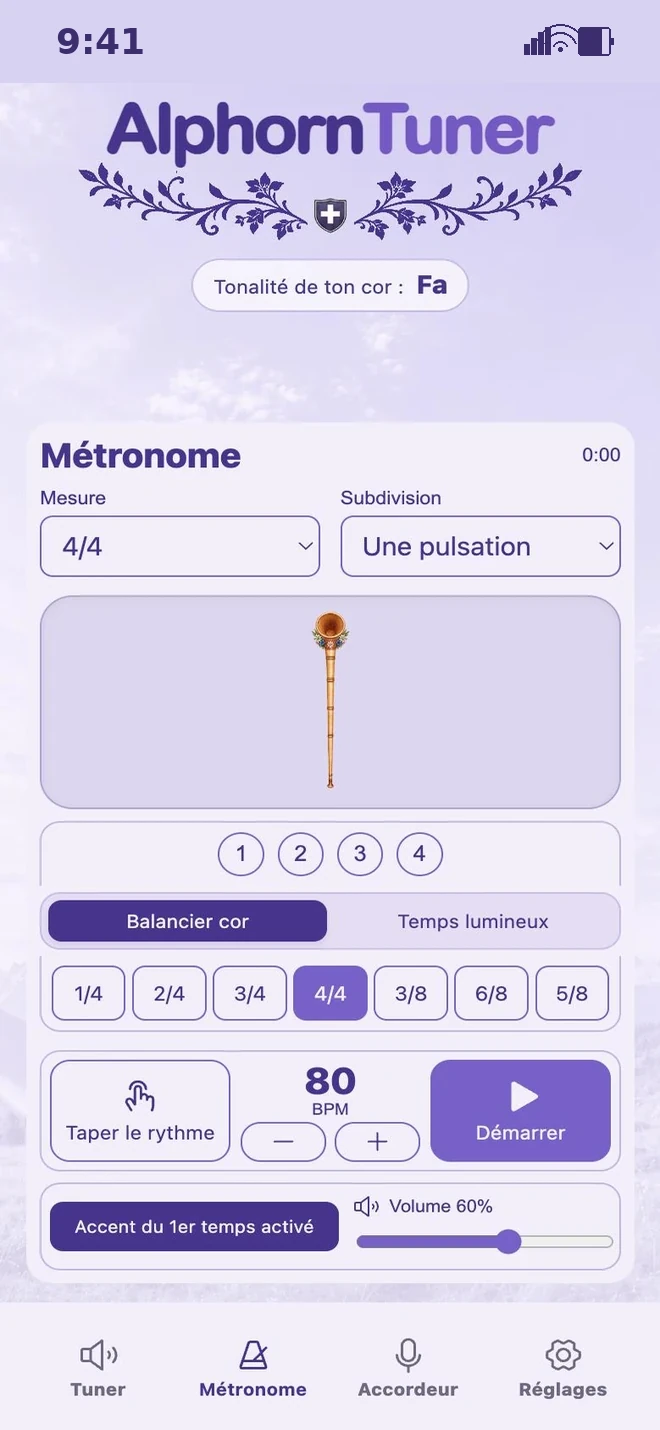
Find your tempo. Keep the thread.
Choose from seven time signatures and four subdivisions, from 30 to 240 beats per minute. You can also tap your tempo. The app takes the average of your last five taps.
Let the swinging horn or the lit-up beats guide you. Choose the cue that helps you play with ease.
- 30 to 240 BPM
- Accent on the first beat
- Volume separate from the Tuner’s
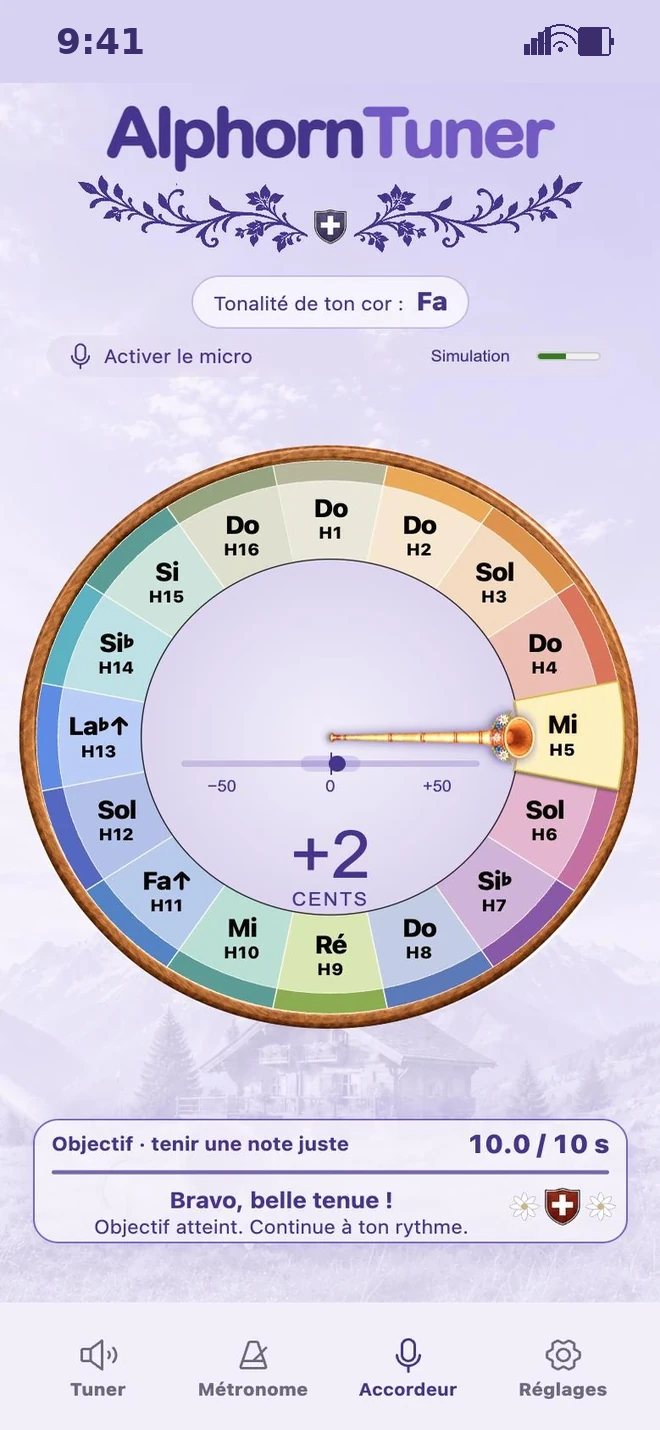
Find your bearings for playing in tune.
With your permission, the microphone listens as soon as you open the Pitch tuner. Play a held note. You see its harmonic, its difference and how long you hold it.
Choose a small hold target to practise your breathing. It starts at ten seconds. You can set it anywhere from one to sixty seconds.
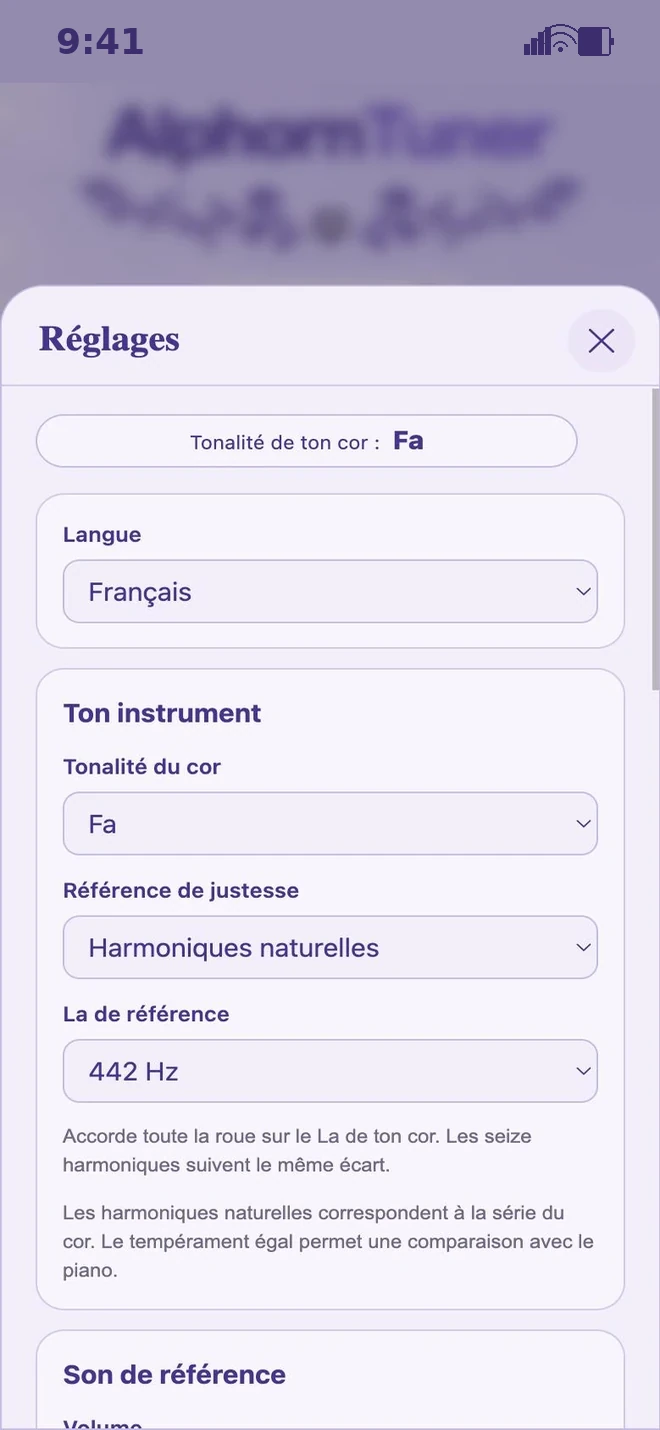
Your instrument. Your bearings.
Choose a horn in F or in F♯ and a reference A between 430 and 455 hertz. Adjust your in-tune zone, the microphone sensitivity and the listening time with the sliders.
To match the reference to your instrument, choose “Tune the app to your horn”.
Find the notes in your own language.
In German, C, E and G are the notes you already know. B flat is written B there, and B natural is written H. In English, these two notes are written B♭ and B.
The app is with you in French, German, Italian and English. Choose the language you feel at home in.
Choose your first companion.
Open the app and take the time to explore. A note, a rhythm: start with whatever you enjoy.
Open AlphornTuner